 Expand Picture
AI image expander for photos, products, and social content
Expand images beyond the frame with generative AI. Uncrop tight photos, extend product backgrounds, and create new aspect ratios while keeping your subject, lighting, and texture natural.
Start expanding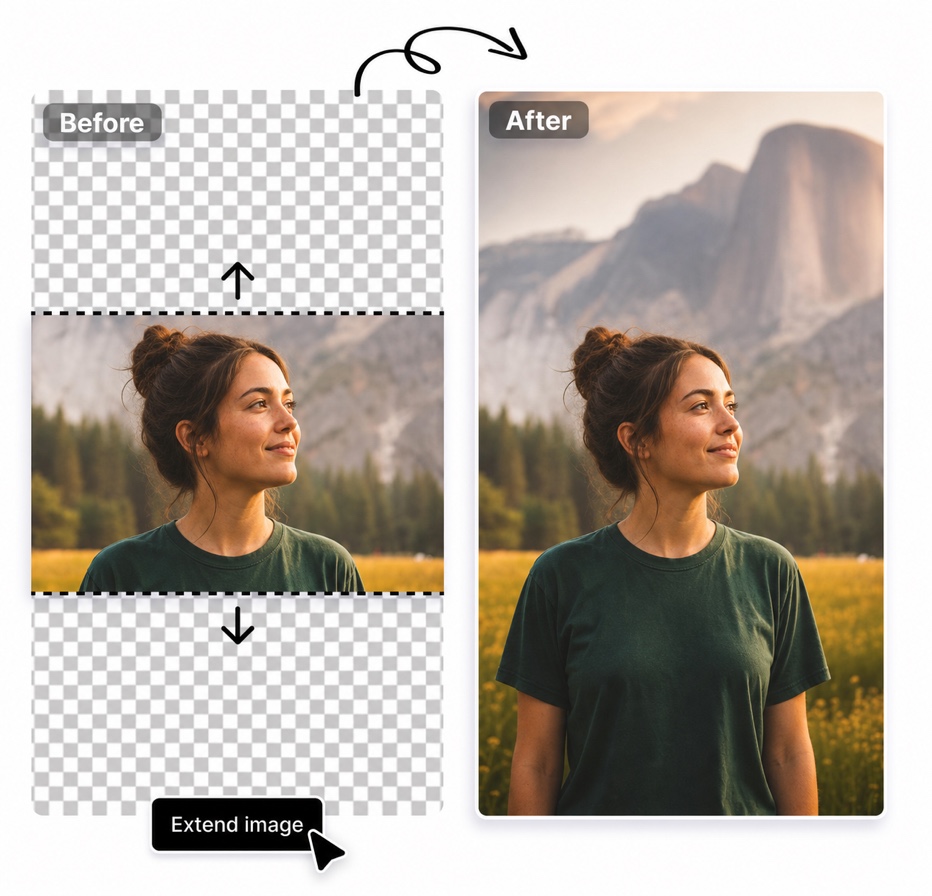
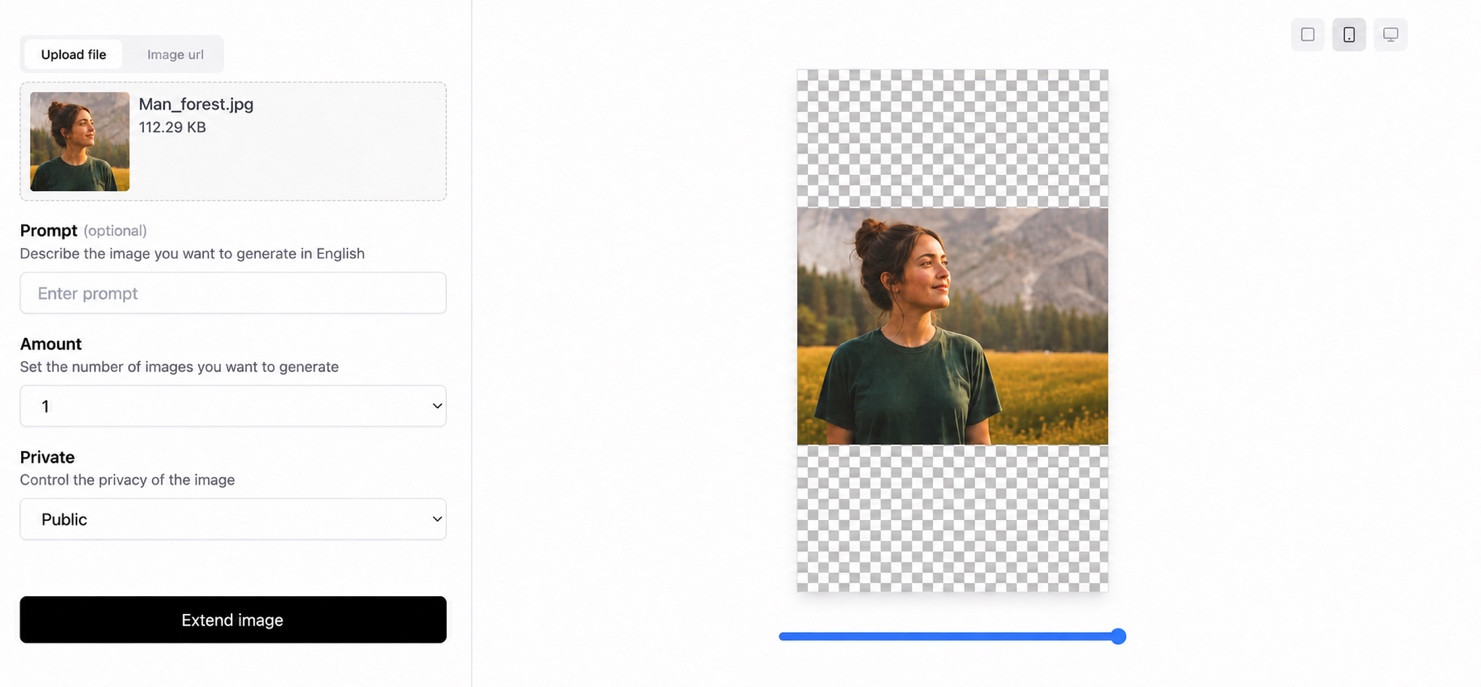
Live preview: see your AI image expansion before you export
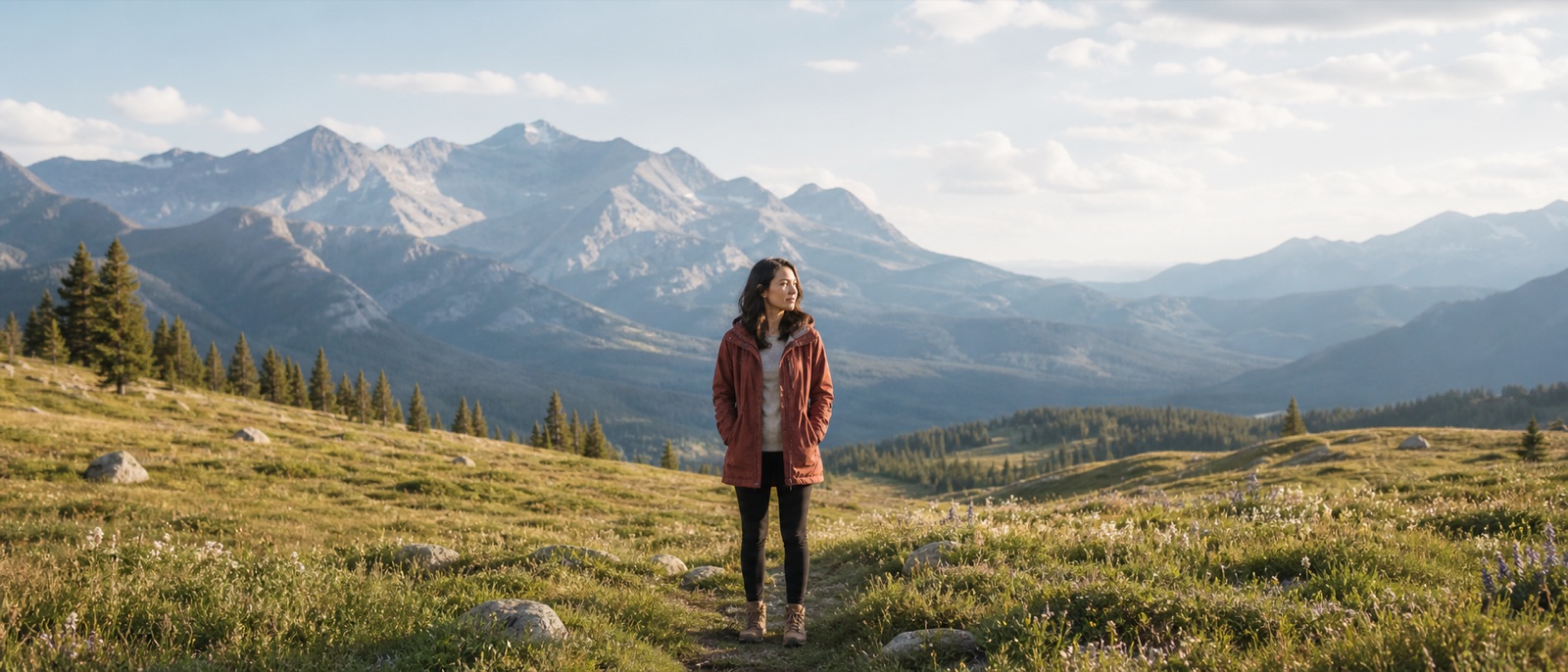
Uncrop tight photos with a natural AI image extension
Fix awkward framing without cutting out the subject. Expand Picture uses AI outpainting to rebuild the missing edges of a tightly cropped portrait, travel photo, or landscape while matching the original light, depth, and texture.
Expand product images and change aspect ratio without cropping
Choose the canvas size and the edges that need more room, then turn one product photo into a square, portrait, or landscape asset. The AI image extender preserves clean backgrounds, realistic shadows, and the product's proportions for ecommerce layouts.
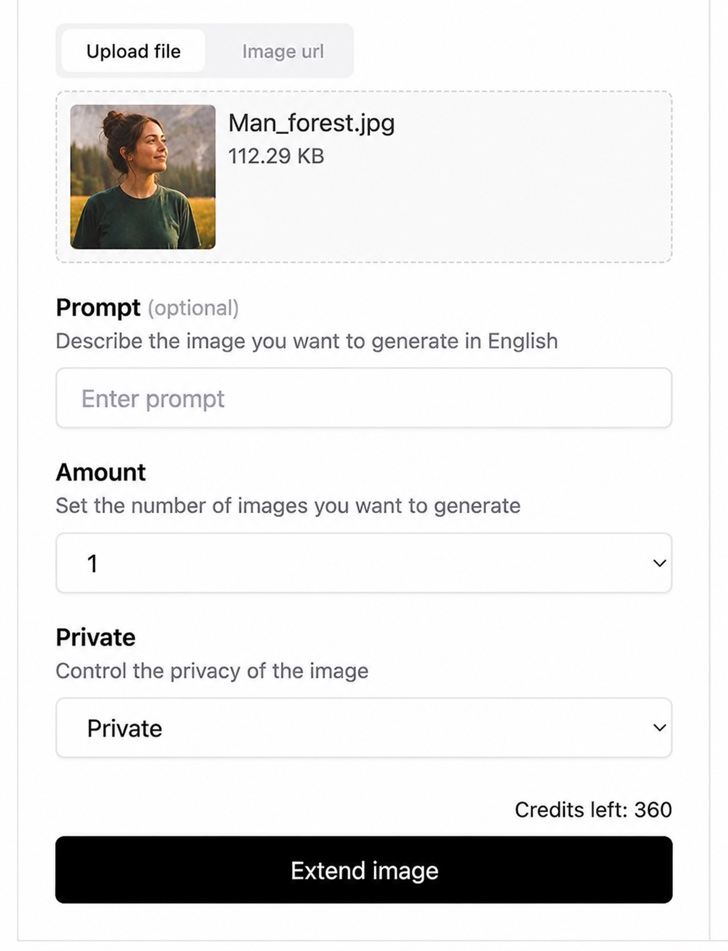
Extend image backgrounds for social media, ads, and ecommerce
Prepare the same source image for social posts, paid ads, product pages, presentations, and print. Create flexible compositions for 1:1, 4:5, and 16:9 placements without reshooting or rebuilding the original design.
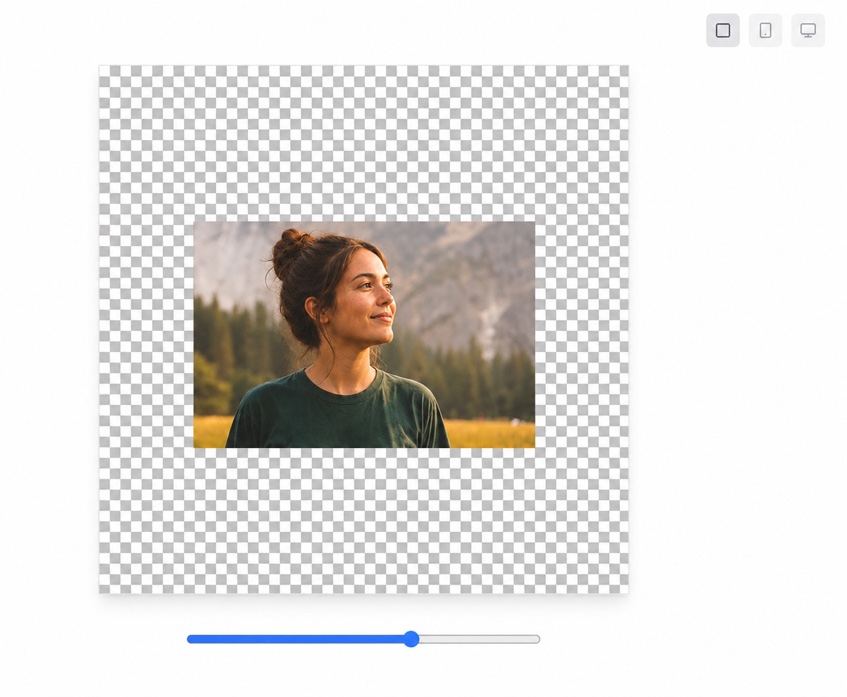
How to expand an image with AI
Create a larger canvas in three simple steps, from upload to a ready-to-use image.
Upload your photo
Start with a JPG, PNG, or WebP image that needs more room around the subject.
Choose the new frame
Select an aspect ratio and decide which edges to extend for your next placement.
Review and download
Preview the AI-generated edges, keep the composition you like, and download the expanded image.
Online image tools to resize, compress, convert, crop and remove backgrounds
Prepare product photos, website images and social posts. Resize, compress, convert and crop locally for free. AI background removal is a separate tool that uploads your image for processing and uses credits from your account.
Image resizer
Set the width and height you need for a product listing, blog image or social post. Keep the original aspect ratio to avoid stretching your photo, then export a resized image directly from your browser.
Open tool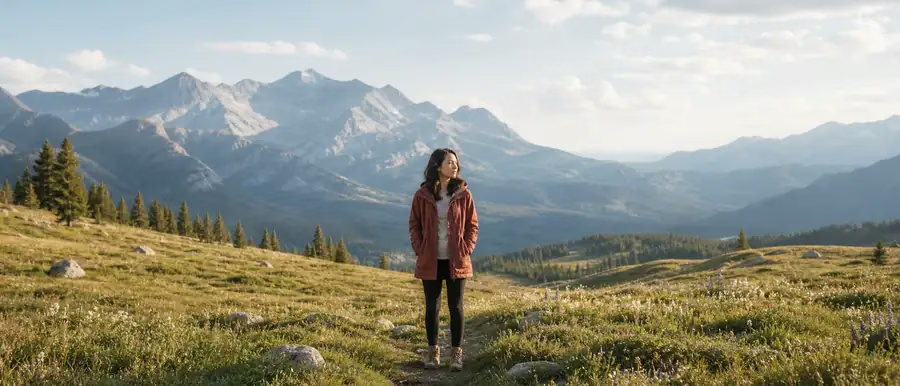
Image compressor
Make photos easier to share and quicker to load on a website. Choose JPG or WebP output, adjust quality and optionally reduce the width. Compare the actual file size before saving the compressed result.
Open tool
Image converter
Switch image formats for a website, product page or application that needs a particular file type. Choose PNG, JPG or WebP, preview the conversion and download the result without uploading your photo.
Open tool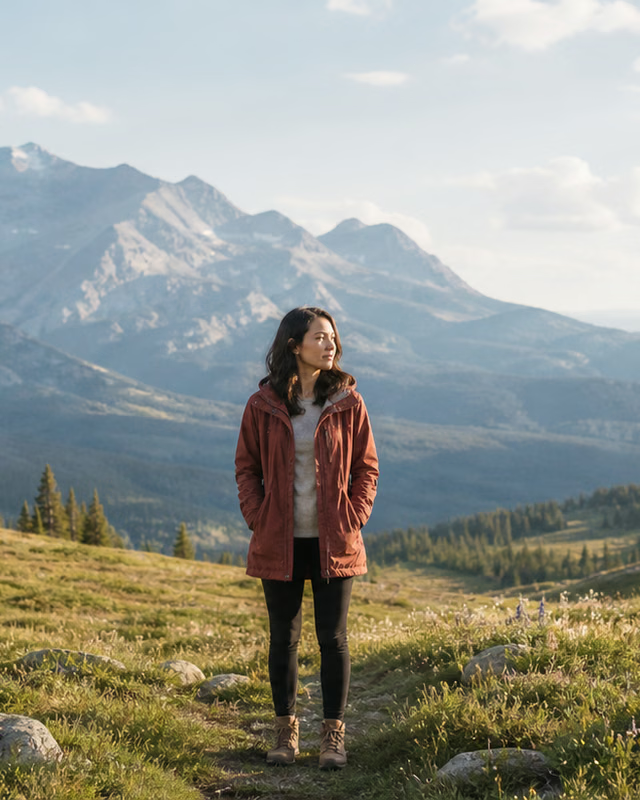
Image cropper
Keep the part of your photo that matters. Choose a square, portrait, landscape or custom aspect ratio, move the crop horizontally and vertically, then preview the exact area you will download.
Open tool
AI background remover
AI · Uses account creditsUse AI to remove a photo background and download a transparent PNG. Sign in and check the credit cost before processing.
Open tool
Signature background remover
AI · Uses account creditsRemove the paper background from a signature photo or scan and inspect the strokes before downloading a transparent PNG. Uses account credits.
Open toolAI image expander questions
Quick answers about uncropping photos, AI outpainting, file formats, and image privacy.