 Expand Picture
AI photo extension for ecommerce product images
Turn one product photo into marketplace listings, storefront banners, and campaign assets. Keep the product silhouette, label, materials, lighting, and shadow consistent while AI generates only the added background.
Extend a product photo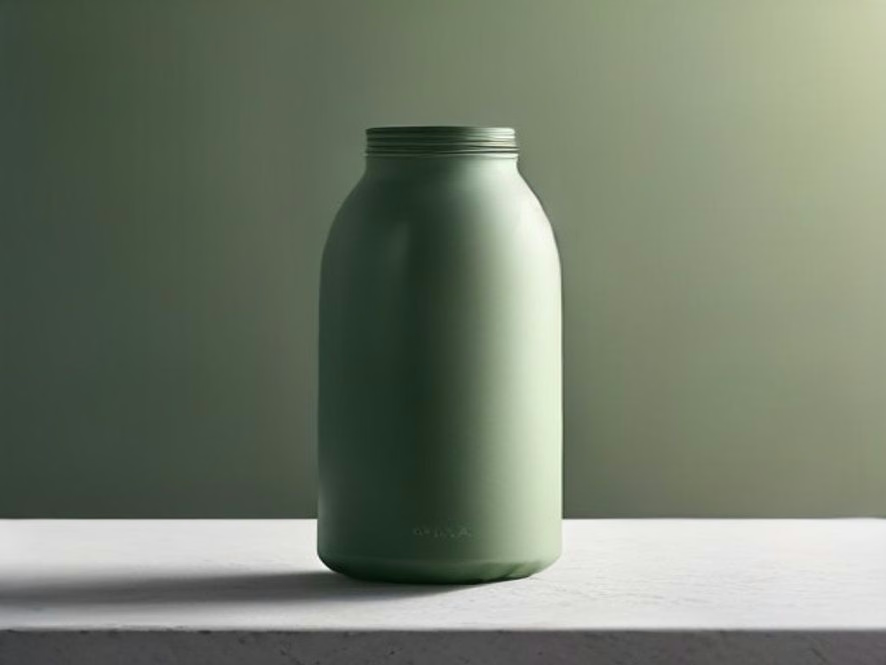
Preview a product photo expanded for a wide campaign placement
Keep every product detail intact
Only the background expands. The original product, label, edges, materials, lighting, and shadow stay in place so the item remains accurate and recognizable.
Create every ecommerce ratio from one hero shot
Adapt one product photo for Amazon 1:1, Shopify 1.91:1, Instagram 4:5, Pinterest 2:3, and wide ad banners without cropping the product.
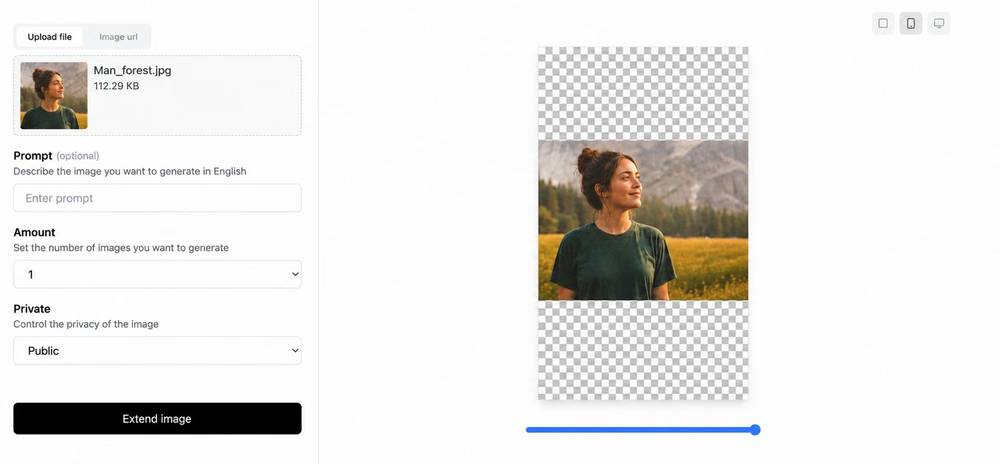
Scale catalog creative without another reshoot
Reduce reshoots and manual canvas rebuilding. Adapt an entire catalog quickly, then review each result before it goes live.
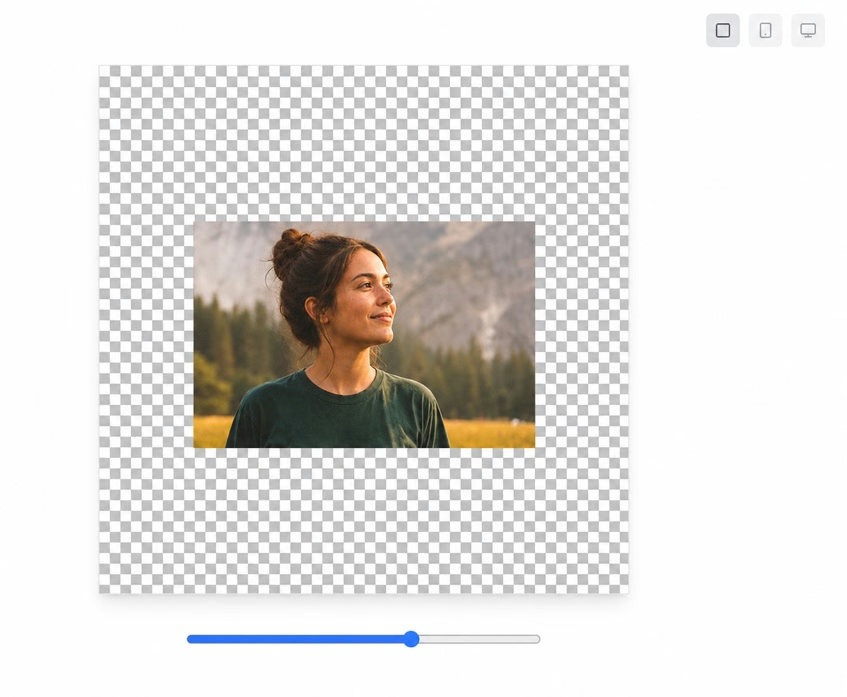
How to extend product photos with AI
Prepare each ecommerce placement in three simple steps.
Upload a product photo
Upload a JPG, PNG, or WebP file up to 10 MB. Start with the cleanest, highest-quality source available.
Choose the sales channel and frame
Select a square, portrait, or wide format, then choose which edges of the canvas to extend.
Generate and export
Review the expanded background for continuity, then download the finished product image.
Ecommerce photo extension questions
Practical answers for preparing product images for every sales channel.