 Expand Picture
Compress JPG, PNG and WebP images online for smaller files
Make photos easier to share and quicker to load on a website. Choose JPG or WebP output, adjust quality and optionally reduce the width. Compare the actual file size before saving the compressed result.
Drop your image here, or choose a file
JPG, PNG or WebP · up to 20 MB and 24 megapixels
Your image stays in your browser. No upload or account needed.
Animated images are exported as one still frame. Metadata is not preserved.
Compress image files for faster website loading
Compare the original and compressed previews before choosing your export settings.
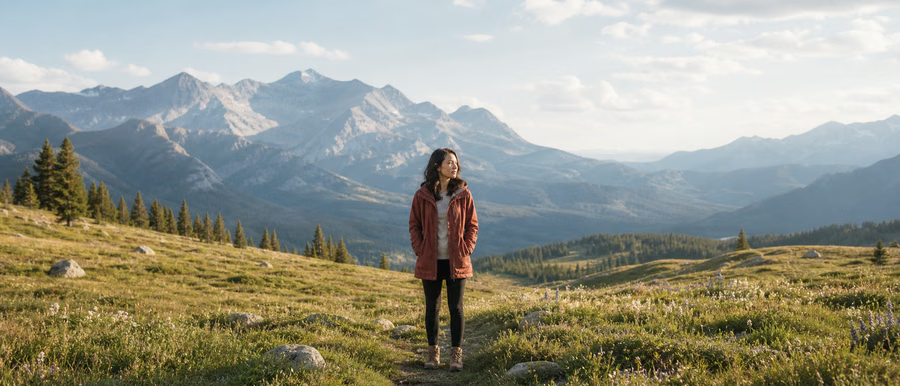

These examples illustrate the workflow. Results depend on your source image and chosen settings.
How to compress images for websites, email and sharing
Choose an image to compress
Select a JPG, PNG or WebP file up to 20 MB and 24 megapixels. Processing happens locally; your image is not sent to our servers.
Balance quality, format and dimensions
Select JPG or WebP output and adjust the quality slider. Set a maximum width to shrink large photos, or leave it empty to keep the source dimensions.
Compare file sizes before downloading
Process the photo and check the before-and-after sizes. If the result is larger or too soft, change the settings or keep your original image.
Reduce photo file size for faster pages and smaller attachments
High-resolution camera photos often contain more pixels than a web layout needs. Reducing dimensions and choosing a suitable JPG or WebP quality can make them easier to publish. PNG inputs are converted to your selected format; this is not a lossless PNG optimizer or a guaranteed target-size compressor.
Questions about online image compression
Can I compress a PNG image with this tool?
Yes. You can open a PNG and export it as JPG or WebP with adjustable quality. JPG replaces transparent areas with the selected background color. Choose WebP if you need transparency and your browser supports that output.
Why is the compressed image sometimes larger than the original?
The original may already be efficiently compressed. A different format, quality setting or image content can produce a larger file. The tool shows the actual result instead of promising a fixed reduction.
Can I compress an image to an exact number of kilobytes?
This tool lets you adjust quality and maximum width, then compare the resulting size. It does not guarantee an exact kilobyte target. Lower the quality or width gradually and check that the image still looks suitable.
More image tools
Image resizer
Set the width and height you need for a product listing, blog image or social post. Keep the original aspect ratio to avoid stretching your photo, then export a resized image directly from your browser.
Open tool
Image converter
Switch image formats for a website, product page or application that needs a particular file type. Choose PNG, JPG or WebP, preview the conversion and download the result without uploading your photo.
Open tool
Image cropper
Keep the part of your photo that matters. Choose a square, portrait, landscape or custom aspect ratio, move the crop horizontally and vertically, then preview the exact area you will download.
Open tool
AI background remover
AI · Uses account creditsUse AI to remove a photo background and download a transparent PNG. Sign in and check the credit cost before processing.
Open tool
Signature background remover
AI · Uses account creditsRemove the paper background from a signature photo or scan and inspect the strokes before downloading a transparent PNG. Uses account credits.
Open toolNeed more background instead of a tighter crop?
AI image expansion adds new content outside the original frame. Open the editor for product backgrounds, wider photos and new aspect ratios. AI generation requires an account and credits.
Open AI image expander